How to Verify Your ID on PV Winzone
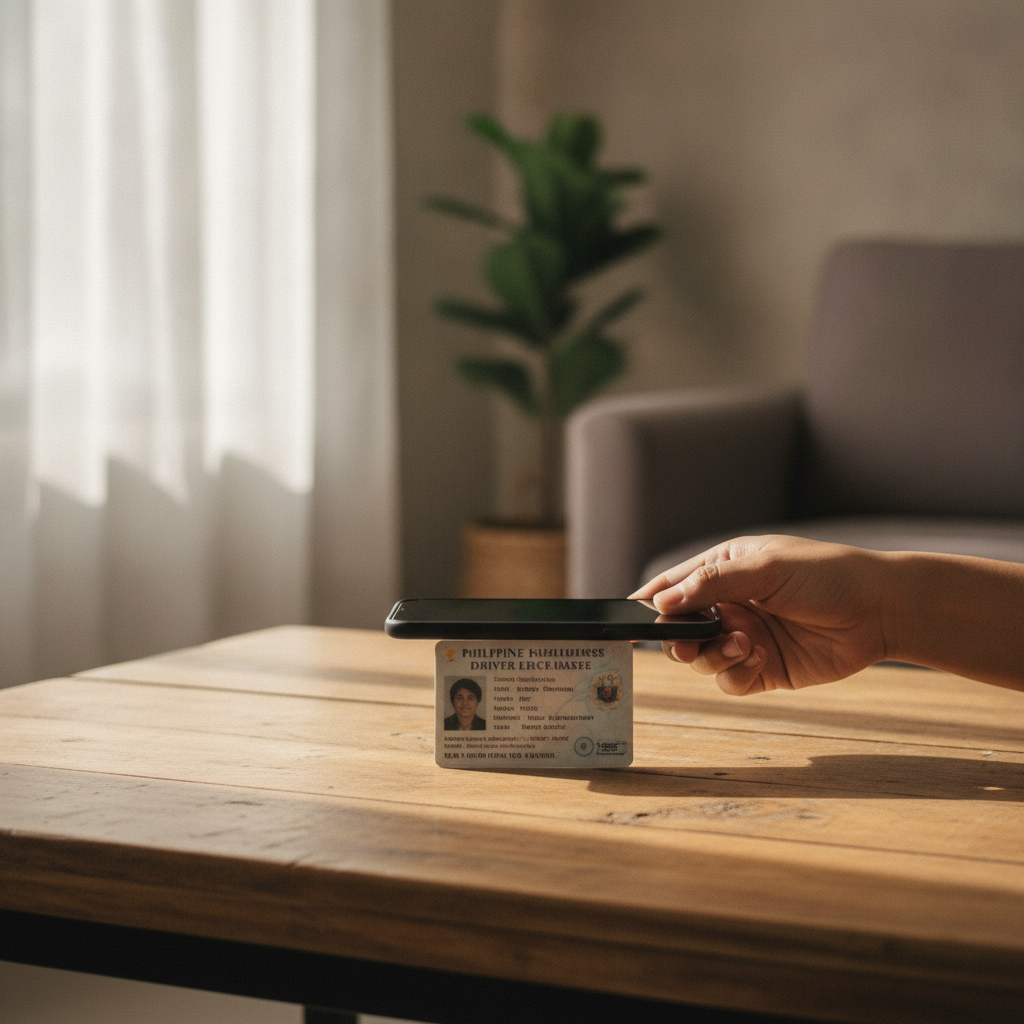
How to Verify Your ID on PV Winzone
When you register on PV Winzone, the platform asks you to verify your identity before you can withdraw winnings. This guide walks you through the entire ID verification process—from understanding why it's required to uploading clear photos from your phone.
Why PV Winzone Asks for ID Verification
PV Winzone collects identity documents to confirm that every player is at least 21 years old and matches the account details provided during registration. Verification helps prevent underage gambling, protects accounts from fraud, and ensures that withdrawals go to the rightful owner.
Most online casinos and sportsbooks in the Philippines follow similar Know Your Customer (KYC) procedures. Even if you deposit only PHP 100 through GCash or Maya, PV Winzone will still ask you to verify before processing your first withdrawal. It's a standard step, not a sign of any problem with your account.
Which Documents Are Accepted
PV Winzone typically requests two types of documents:
Government-issued photo ID
One of the following is usually accepted:
- Philippine passport
- Driver's license
- UMID (Unified Multi-Purpose ID)
- PhilHealth ID
- Postal ID
- Voter's ID
- TIN ID
- SSS ID
- PRC ID (Professional Regulation Commission)
The ID must be current and show your full name, date of birth, photo, and ID number. Expired IDs are often rejected, so check the validity date before uploading.
Proof of address
PV Winzone may also ask for a recent document that confirms your residential address. Accepted proof-of-address documents include:
- Utility bill (electricity, water, internet) dated within the last three months
- Bank statement showing your name and address
- Barangay certificate or clearance
- Government correspondence (e.g., BIR, SSS, PhilHealth)
The name and address on your proof of address should match the details you entered when you registered on PV Winzone. If you live with family and the bill is under a relative's name, a barangay certificate listing your address is often the simplest alternative.
Taking Clear Photos of Your ID on Your Phone
Most Filipino players submit documents using the camera on their Android phone. Follow these tips to capture clear, readable photos that pass verification on the first attempt:
Use good lighting
Take the photo in a well-lit room or near a window during the day. Avoid dim lighting or harsh overhead bulbs that cast shadows across the ID.
Lay your ID flat
Place the ID on a dark, plain surface—a table or a sheet of colored paper works well. A contrasting background makes text and holograms easier to see.
Keep the camera steady
Hold your phone directly above the ID, parallel to the surface. Tap the screen to focus, then take the shot. Avoid tilting the phone at an angle; edges should be sharp and straight.
Capture all four corners
The entire ID must fit inside the frame. Don't crop out edges, holograms, or any printed information. If your ID is laminated or has a holographic overlay, adjust the angle slightly to reduce glare.
Check the photo before uploading
Zoom in to confirm that your name, ID number, date of birth, and photo are readable. Blurry or pixelated images usually result in delays or rejection.
Do not edit or filter
Upload the original photo. Filters, brightness adjustments, or edits may flag the document as altered, even if you only tried to improve clarity.
Uploading Documents Through the Account Section
Once your photos are ready, log in to PV Winzone and navigate to the account or profile section. The exact label varies, but look for a menu option like "Verification," "KYC," "Account Settings," or "Upload Documents."
Step-by-step upload process:
- Open the PV Winzone app or mobile site
Log in using your PV Winzone login credentials—the phone number or email and password you created during registration. - Go to the verification page
Tap your profile icon or account menu, then select the verification or KYC section. You'll see prompts for "Government ID" and "Proof of Address." - Choose your document type
Select the type of ID you're uploading from the dropdown menu—for example, "Driver's License" or "Passport." This helps PV Winzone's review team know what to expect. - Upload the front of your ID
Tap "Upload" or the camera icon, then choose the photo from your gallery or take a new one. Some platforms ask for both the front and back of the ID; submit both if prompted. - Upload proof of address
Repeat the process for your utility bill, bank statement, or barangay certificate. Make sure the document is recent and clearly shows your name and address. - Review and submit
Double-check that each image is legible and matches your registered details. Tap "Submit" or "Send for Review."
You'll usually see a confirmation message that your documents are under review. Keep your phone notifications on; PV Winzone may send an SMS or in-app alert once verification is complete or if additional documents are needed.
How Long Verification Usually Takes
In most cases, PV Winzone reviews and approves documents within 24 to 48 hours. Busy periods—such as weekends or major sporting events like PBA playoffs or NBA Finals—can extend the timeline to three or four days.
Factors that affect processing time:
- Document quality: Clear, unedited photos are approved faster than blurry or cropped images.
- Matching details: If the name on your ID differs from the name on your PV Winzone account, the review team may contact you for clarification or additional proof.
- Incomplete submissions: Uploading only one document when two are required, or submitting an expired ID, will delay approval.
- Volume of requests: High traffic during promotional campaigns or popular betting events can slow down the queue.
If you don't receive a response within 72 hours, check the verification status in your account settings or contact PV Winzone customer support through live chat or the help section. Have your registered phone number or email ready when you reach out.
After Verification Is Approved
Once PV Winzone confirms your identity, your account status changes to "Verified." You can then proceed with withdrawals to GCash, Maya, or your bank account via InstaPay or PESONet. Verified players may also unlock higher withdrawal limits and faster processing times compared to unverified accounts.
You won't need to submit documents again unless PV Winzone flags unusual activity or you update key account information such as your registered phone number or address.
Tips to Avoid Common Verification Issues
- Match your registered name exactly: Use the same spelling and format as your government ID when you fill out the PV Winzone register form.
- Update expired IDs first: Renew your driver's license or UMID before starting the verification process.
- Use your own documents: PV Winzone will reject IDs or bills that belong to someone else, even if you share an address.
- Keep file sizes reasonable: Very large image files (over 5 MB) may fail to upload on mobile data. Compress photos if needed, but maintain clarity.
- Check spam or promotions folders: Verification emails sometimes land outside your main inbox.
21+ Age Check and Responsible Gaming
PV Winzone is only for players aged 21 and over. The platform uses ID verification to confirm your date of birth and prevent minors from accessing casino games, live dealer tables, and sports betting. If your ID shows you are under 21, your account will be closed and any deposits refunded.
Gambling should remain an occasional form of entertainment, not a way to solve financial problems. Set a budget for your deposits—whether it's PHP 100 or PHP 500—and stick to it. If you feel that betting is affecting your finances, relationships, or well-being, take a break or reach out to a local support organization. PV Winzone offers account limits and self-exclusion tools in the responsible gaming section of your account settings.
This is an independent guide. PV Winzone Guide PH is not operated by or affiliated with PV Winzone. Always verify current procedures and requirements on the official PV Winzone site or app.